Timesheets shouldn’t be a second job.
Log hours right on the task or ticket in a note's worth of typing, and every entry lands in one place to review. Time tracking that isn't a second job.
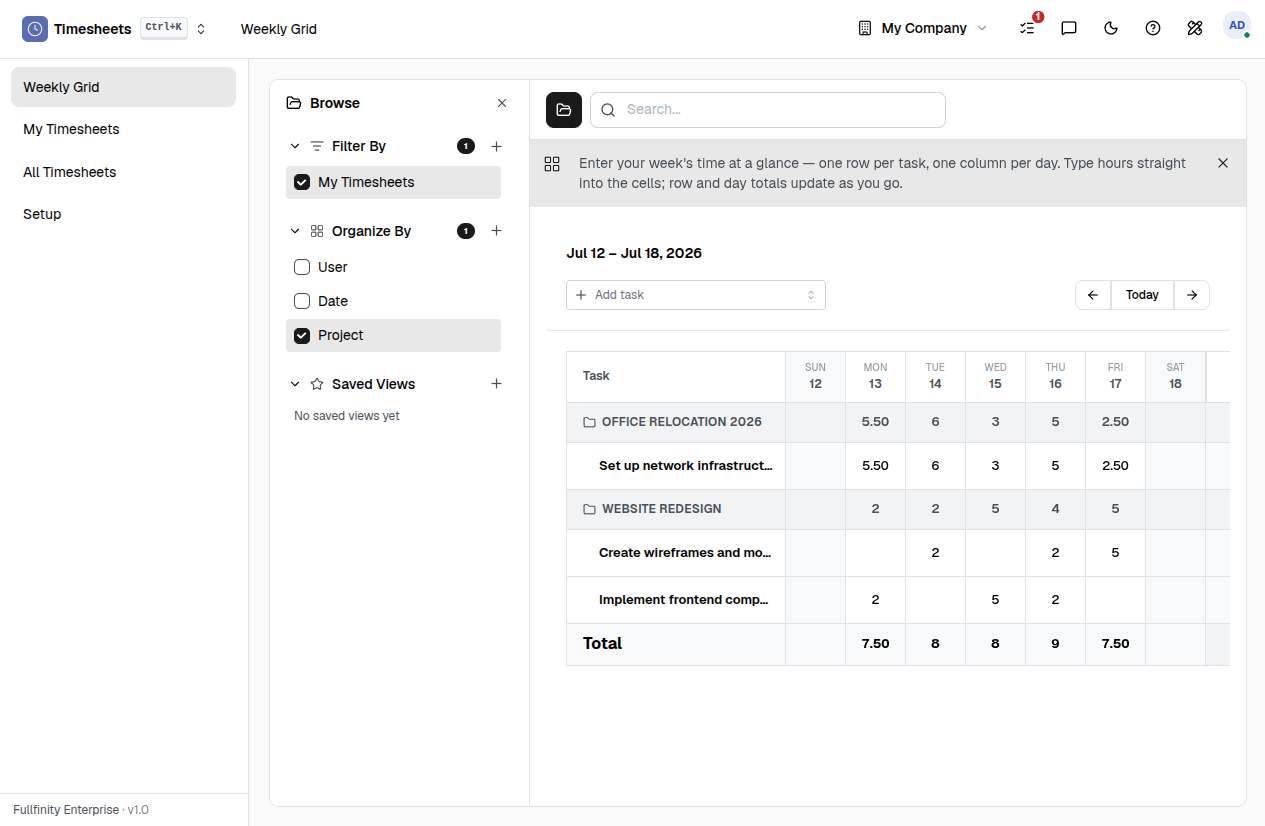
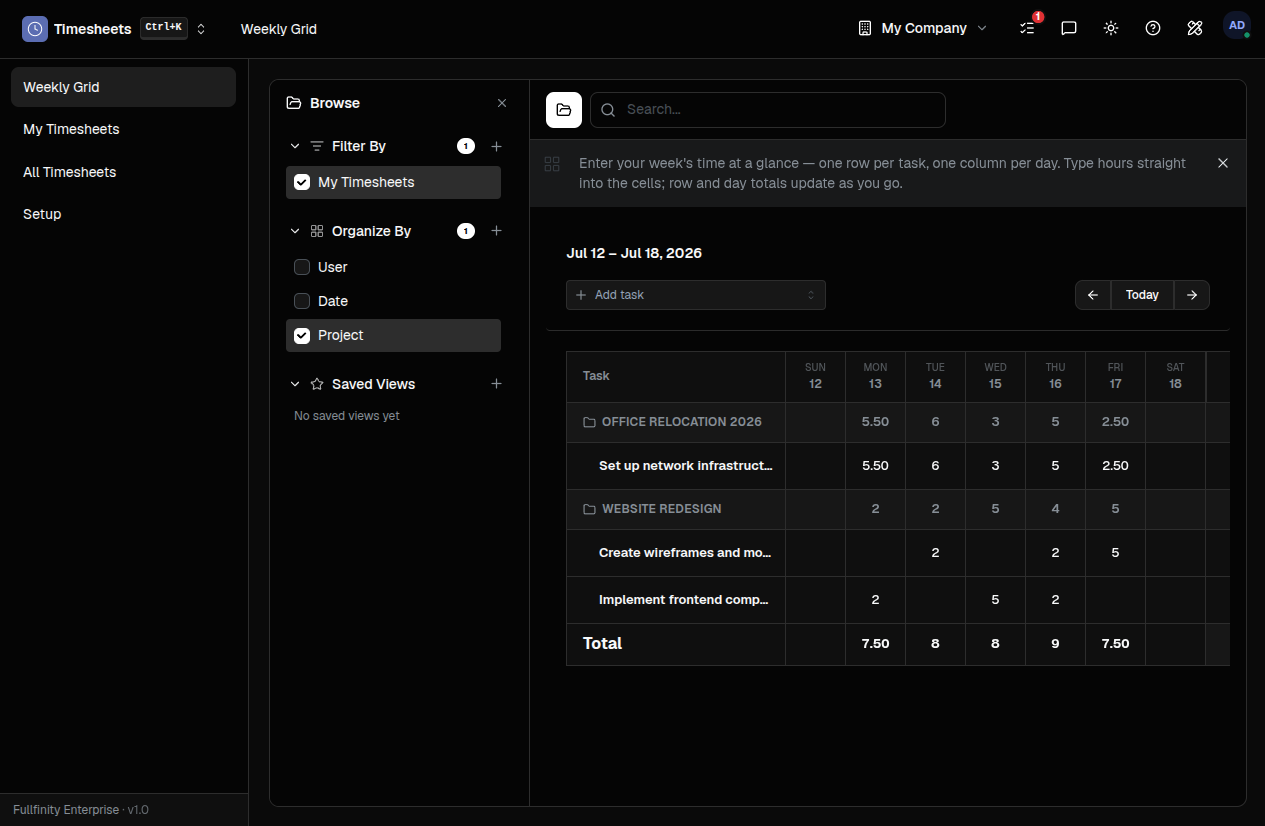
Log the hours. The totals keep themselves.
Each entry you record adds straight to the task’s Actual Hours — sitting right next to the estimate, without anyone tallying a spreadsheet at the end of the week.
One honest account of the week.
Every hour in one place.
Time logged on a project task and time logged against a support ticket land in the same list — one week, not one tab per tool.
Estimated, held up against actual.
A task shows its Actual Hours right beside the estimate, and the project totals across every task — so you see where the time really went without asking.
Your hours, or the whole team’s.
My Timesheets is your own running log. Managers open All Timesheets and group by person or by day to reconcile effort across the company.
One connected system
The same customers, products and stock run through Timesheets and every other app — nothing kept in a separate tool.
Open-core
The core apps are open source, and the whole thing is yours to self-host.
Free, unlimited users
Self-host the Free edition with your whole team on it — no per-seat fees, no seat counting, no trial running out.
Only what you need
Run Timesheets on its own, and switch on the rest of the suite when you're ready.
Timesheet software, answered.
Is this timesheet software just for projects?+
No. Timesheets is one shared log. Hours you record on a project task and hours logged against a support ticket land in the same place — so a person’s week is one list, not one per tool.
How do logged hours reach a task’s totals?+
Every hour you log rolls up automatically. A task shows its Actual Hours beside the estimate, and a project totals the hours across all its tasks — you never re-add anything by hand.
Can a manager see everyone’s hours?+
Yes. You review your own entries in My Timesheets; managers open All Timesheets and group by person or by day to reconcile effort across the whole company.
Can I self-host it?+
Yes — the Free edition runs on your own server, free, with your whole team on it. Prefer not to run servers? We host a managed cloud. Same product either way.
What happens to my data?+
It stays yours. Export it whenever you like, and the Free edition is free to self-host — so switching a tool never means switching vendors.
Apps that pair with Timesheets
Run Timesheets — and the rest of your business — in one place.
Join the waitlist and be first through the door when Fullfinity launches.
Join the waitlist