Know who worked, to the minute.
Staff clock in on a tablet at the door, lateness flags itself, and the hours land in payroll — no timesheet to chase, and nothing retyped.
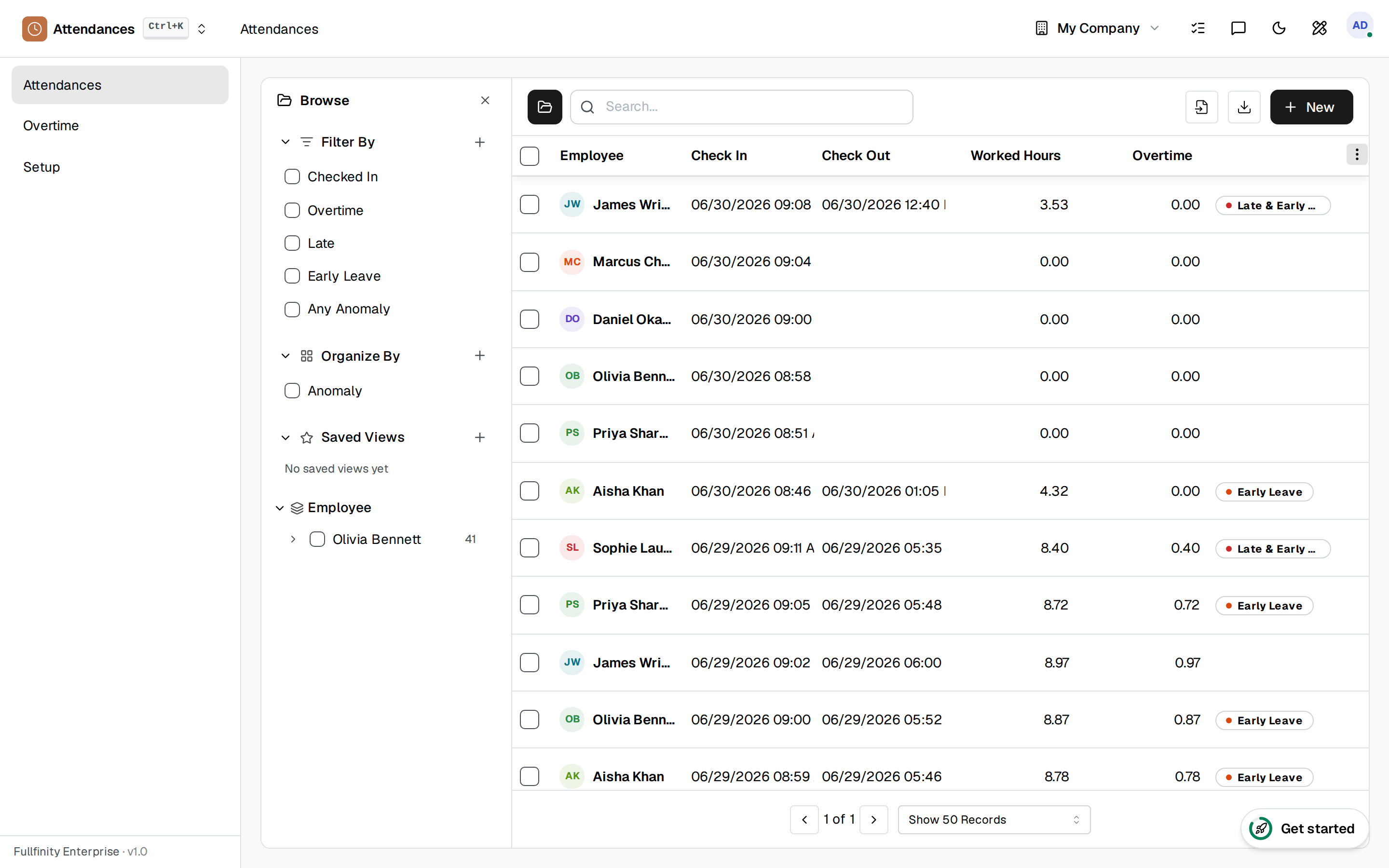
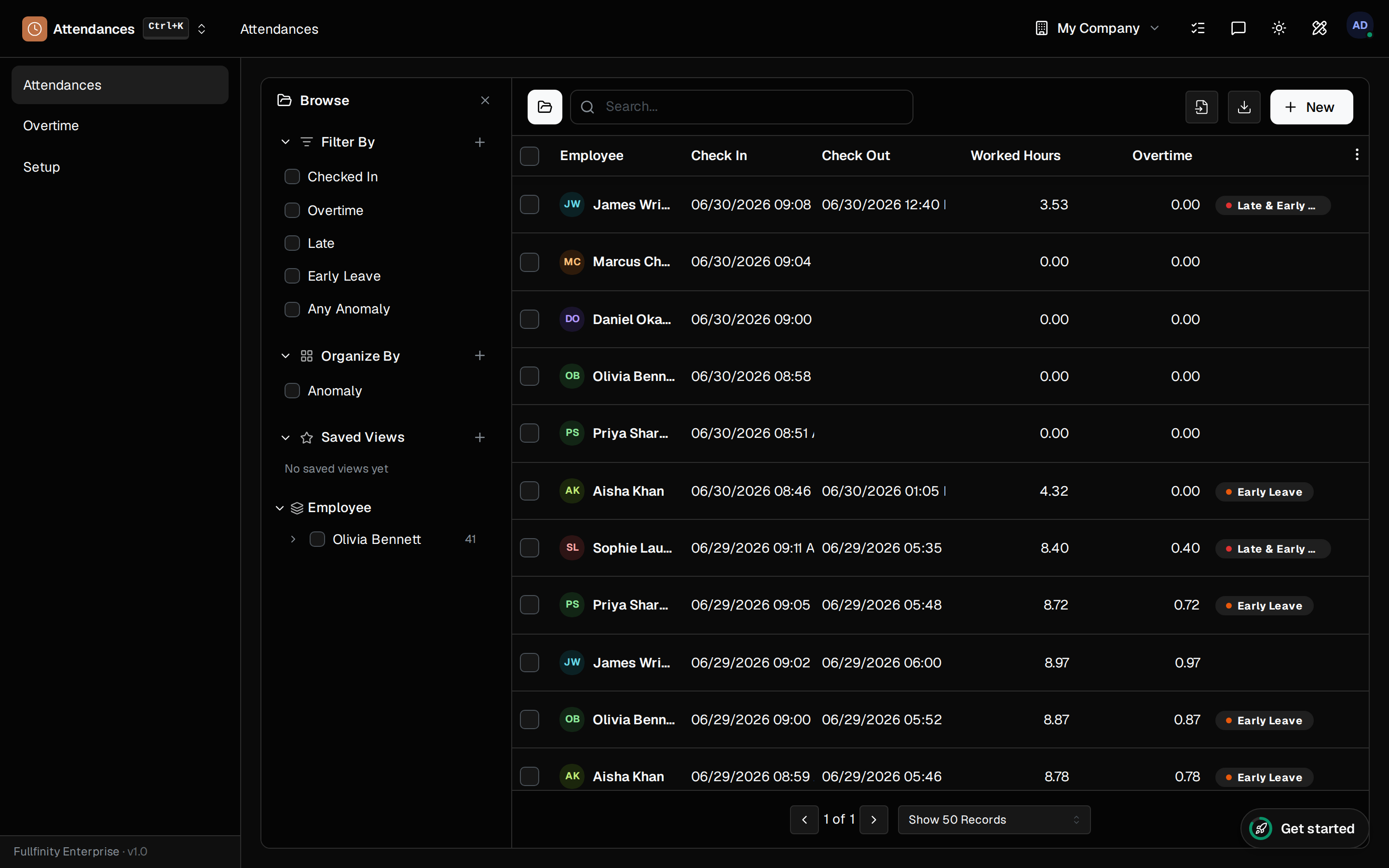
Nobody remembers what time they got in on Tuesday.
So hours get reconstructed at the end of the month — rounded up here, guessed at there — and payday becomes an argument nobody can settle. Meanwhile the person who's late every morning is the one nobody has evidence about.
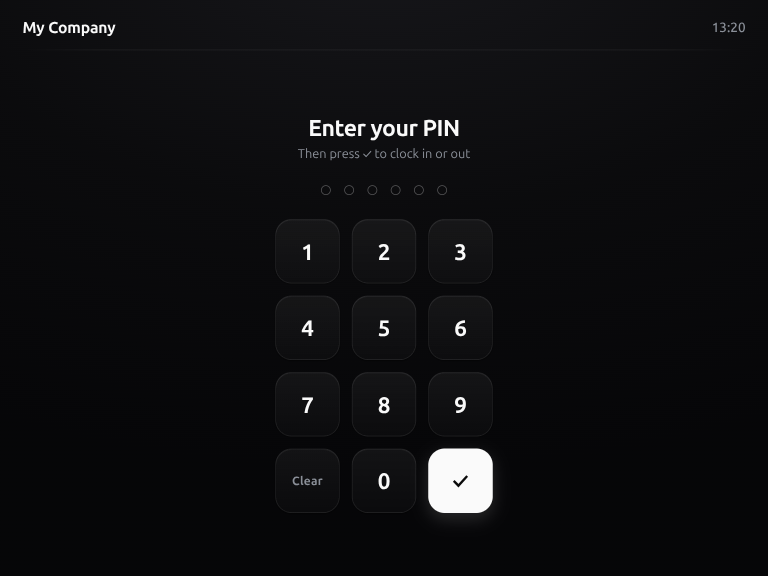
One tablet at the door. Everyone clocks themselves.
Pair a spare tablet or laptop once by scanning a QR code, and it becomes a self-service terminal. Staff punch in and out with a short PIN or a badge — no app to install, no personal phone required, and no queue at a manager's desk.
Late arrivals raise their own hand.
Every punch is measured against the hours that person is actually scheduled to work — so a late start or an early finish is flagged the moment it happens, and so are the overlapping or reversed punches that quietly wreck a month's totals. You review exceptions, not everything.
Overtime at the right rate, hours already in payroll.
Extra hours are tallied apart from normal ones, and each overtime category carries its own multiplier — so time-and-a-half isn't a calculation someone does in their head. Because it's the same employee record payroll reads, the pay run already knows what was worked.
One connected system
The same customers, products and stock run through Attendance and every other app — nothing kept in a separate tool.
Open-core
The core apps are open source, and the whole thing is yours to self-host.
Free, unlimited users
Self-host the Free edition with your whole team on it — no per-seat fees, no seat counting, no trial running out.
Only what you need
Run Attendance on its own, and switch on the rest of the suite when you're ready.
Attendance, answered.
Do employees need an app on their own phone?+
No. Put a shared tablet or spare laptop at the door and pair it once — staff identify with a short PIN or a badge and punch in. Nothing to install, and nobody needs a work phone to clock on.
How do I set a terminal up?+
Open the pairing screen and scan the QR with the device you want to use. It pairs itself, and from then on you can see each terminal in a list with when it was last used — deactivate one and it stops accepting punches immediately.
Can I tell a terminal punch from one typed in by hand?+
Yes. Every record carries its source — Terminal or Manual — and a terminal punch also records which device it came from. So a manager correcting a missed punch is visible as exactly that.
Does it catch lateness without someone policing it?+
It flags itself. Each attendance is checked against the hours that person is actually scheduled to work, and anything off is marked — Late, Early Leave, or both — along with overlapping or reversed punches that would otherwise quietly corrupt the totals.
How does overtime get paid at the right rate?+
Overtime hours are tallied separately from normal hours, and each overtime category carries its own multiplier — so time-and-a-half and double time are applied by the system, not worked out by hand.
Do the hours actually reach payroll?+
They do. Attendance sits on the same employee record as payroll and leave, so a pay run reads the hours that were actually worked instead of asking someone to retype them from a spreadsheet.
Apps that pair with Attendance
Run attendance — and the rest of your business — in one place.
Join the waitlist and be first through the door when Fullfinity launches.
Join the waitlist