Never wonder which copy is the real one.
One version everyone trusts — the contract you filed from a deal is the file the whole team works from, not a copy, with every change and approval on record.
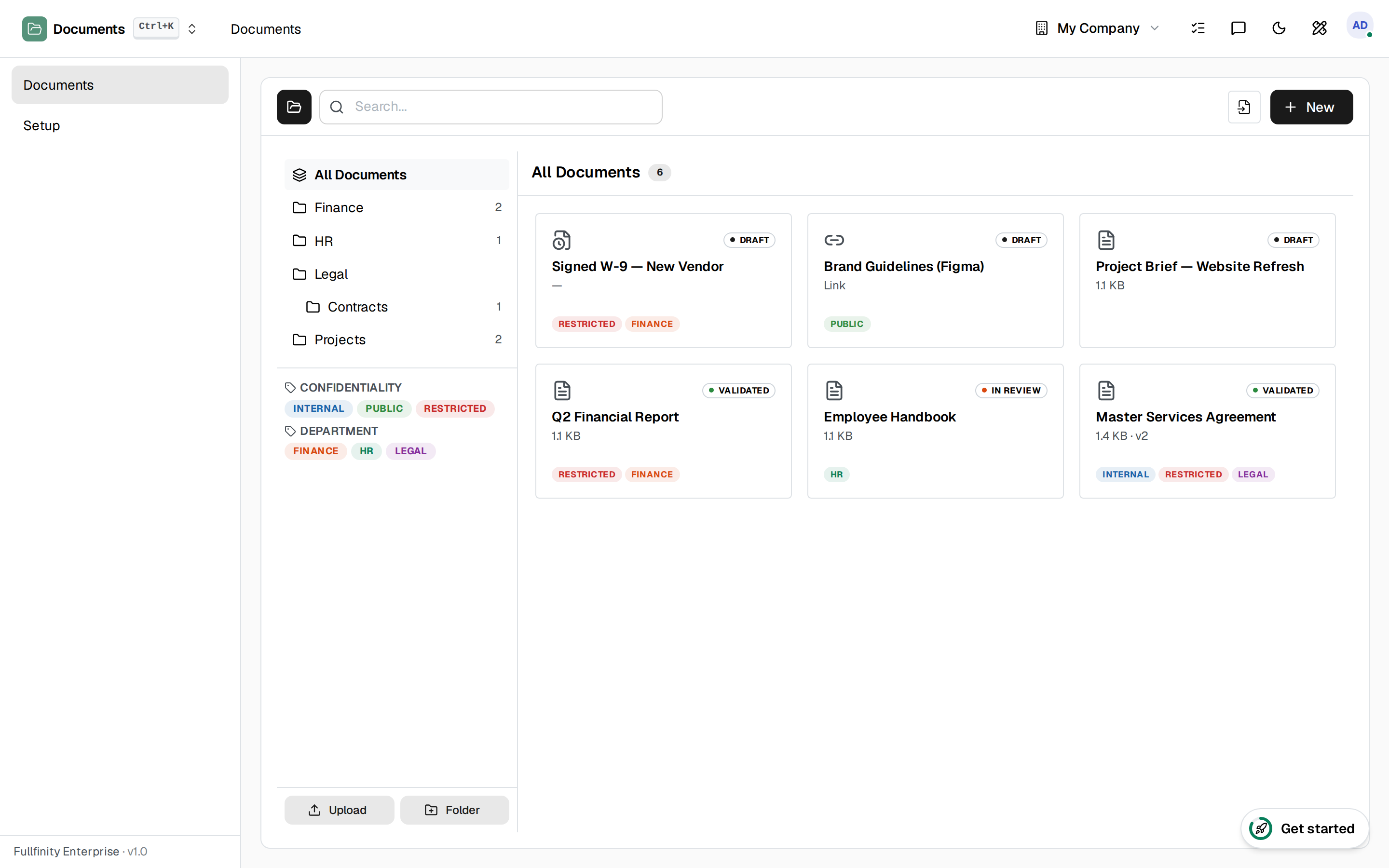
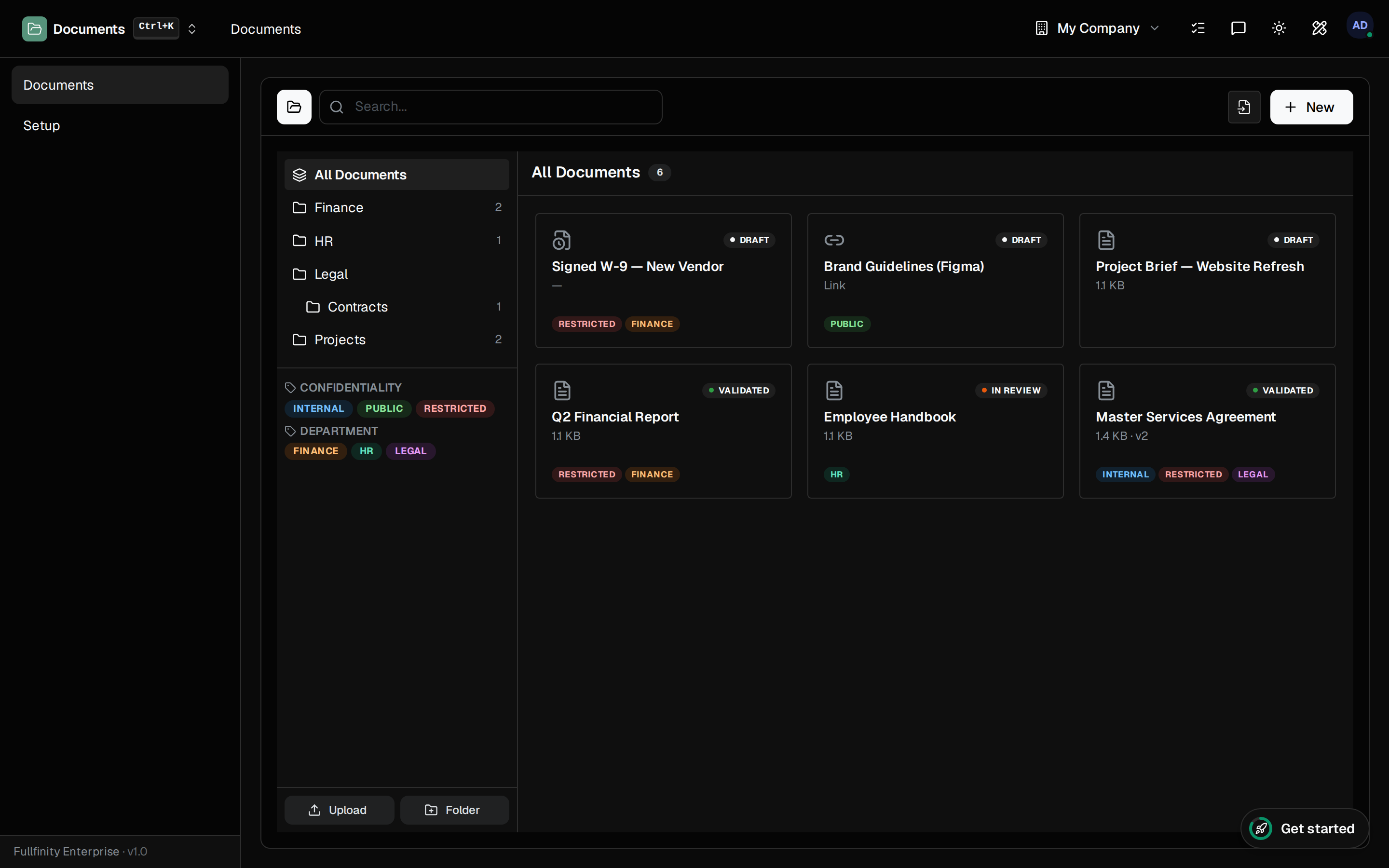
Replace it. Keep all of it.
Every time a file is replaced, the old one is snapshotted and kept — retained, downloadable, with who changed it and why. The current version is just the latest point on a trail you can always walk back.
Files you can actually stand behind.
The original is never gone.
Each replace keeps the file before it — every version retained with its author and a note, so you can pull back the copy from before the change any time.
Approved means approved.
Move a file from Draft to In Review to Validated on the document itself — so anyone opening it knows whether it is a working copy or the signed-off one.
Filed once, not copied out.
A document filed from an invoice, an expense or a contact points at the very same file the rest of Fullfinity holds — governed in Documents, without a duplicate drifting off on its own.
One connected system
The same customers, products and stock run through Documents and every other app — nothing kept in a separate tool.
Open-core
The core apps are open source, and the whole thing is yours to self-host.
Free, unlimited users
Self-host the Free edition with your whole team on it — no per-seat fees, no seat counting, no trial running out.
Only what you need
Run Documents on its own, and switch on the rest of the suite when you're ready.
Document management software, answered.
How is this different from a shared drive?+
A drive stores files; it does not govern them. Documents keeps a folder tree with faceted tags, full version history on every replace, and a Draft → In Review → Validated trail on each file — so there is one source of truth, not a folder of near-identical copies no one is sure about.
What happens to old versions when I replace a file?+
They stay. Every replace snapshots a new version and keeps the original, retained and downloadable, with who uploaded it and a note on what changed — so nothing is ever overwritten out of existence.
Can customers upload documents?+
Yes. Turn on portal uploads and signed-in customers can drop files straight into the folders shared with them — a signed form or a requested document lands in the right place, already filed.
Which plans include Documents?+
Documents is part of the Standard and Enterprise plans. It runs over the same file store the rest of Fullfinity already uses, so a document filed from an invoice or a contact is the exact same file, not a copy.
Apps that pair with Documents
Run Documents — and the rest of your business — in one place.
Join the waitlist and be first through the door when Fullfinity launches.
Join the waitlist