The repair ends at the bench — not in a spreadsheet.
Finish the repair and the rest of the shop keeps up — spares leave stock, salvage goes back on the shelf, and the parts and labor are ready to bill. Nothing vanishes between hand-offs.
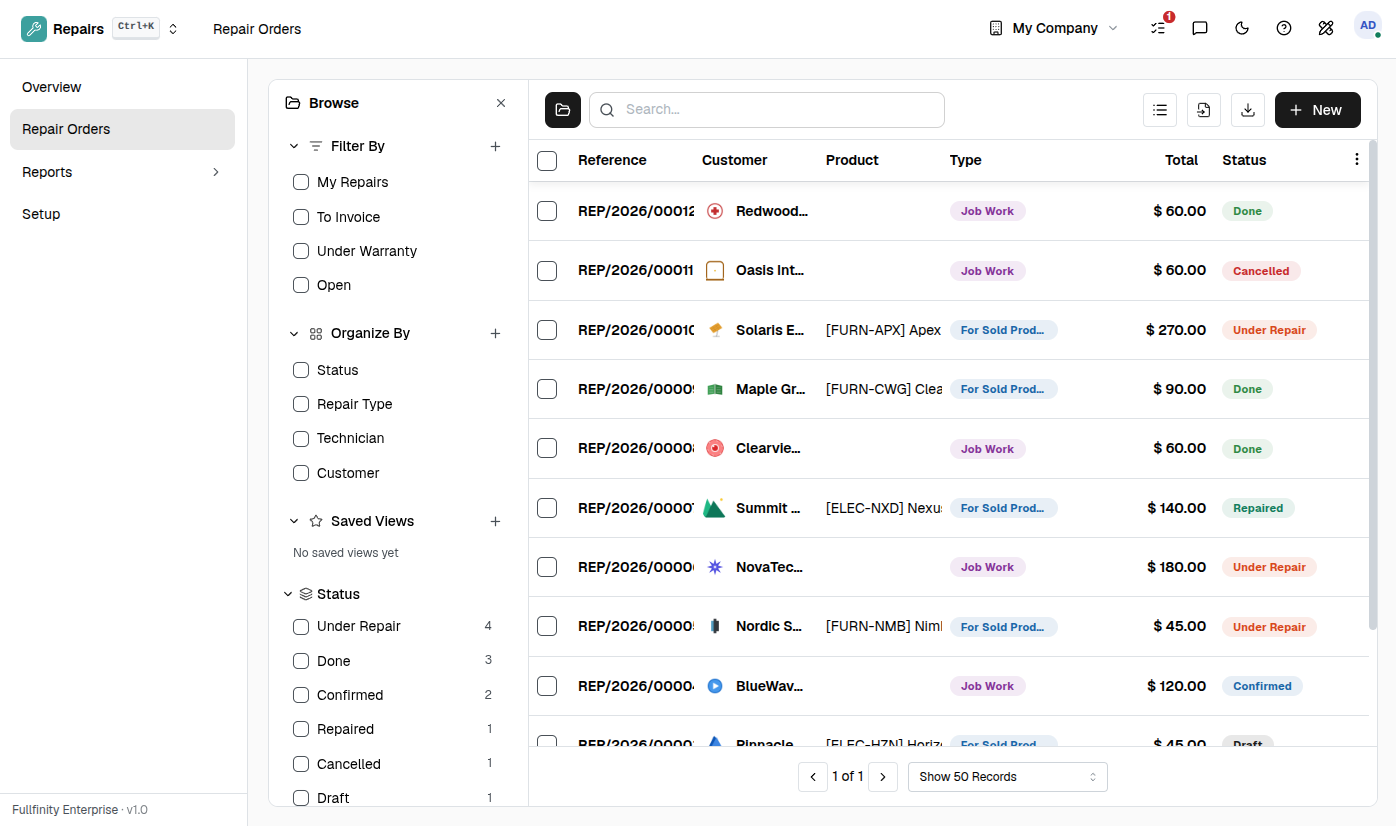
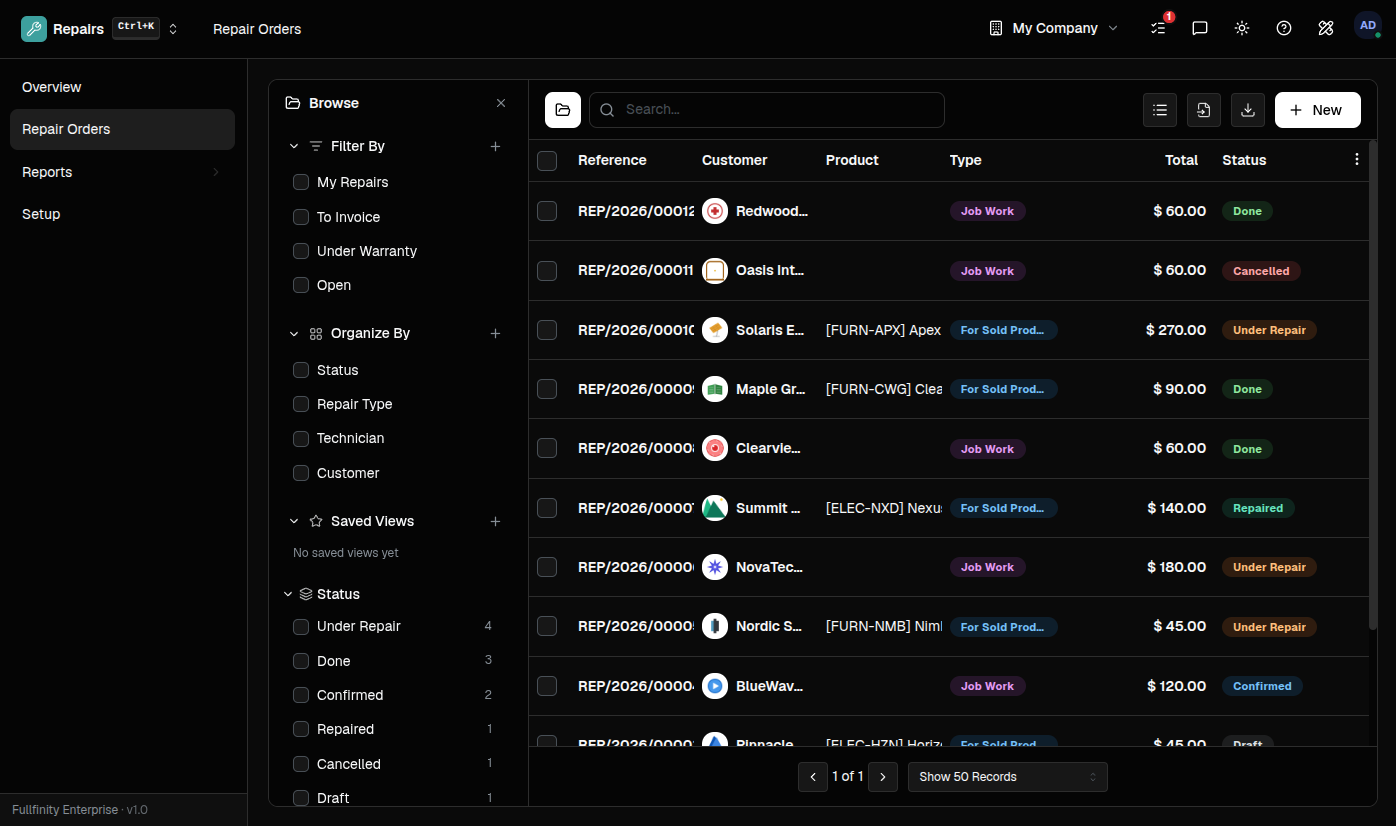
One device. A parts drawer, a job card, and an invoice pad.
A repair shop juggles which unit came in, which spares went into it, whose warranty covers it, and what to bill — across a notebook, a stock shelf and a separate invoice. Every hand-off is a place for a part to vanish, a warranty to get charged, or a job to close without a bill.
Finish the repair. The rest of the shop keeps up.
Mark the job done and the spares you installed leave your stock, the salvaged parts go back on the shelf, and the parts and labor are ready to bill in your own books. One motion at the bench — the warehouse and the accounts settle themselves.
Under warranty? The customer never sees a bill.
Flag the job as under warranty and its parts and labor stop billing on their own. You still track every spare you used and every hour you spent — the customer just gets a repair, not an invoice.
Repair what you sold — or anything that walks in.
Book a job against a product you sold and its whole history follows it: the original order, the serial, the customer. Or take in a customer's own device as plain job work, named in a line of text. Same bench, same order, either way.
One connected system
The same customers, products and stock run through Repairs and every other app — nothing kept in a separate tool.
Open-core
The core apps are open source, and the whole thing is yours to self-host.
Free, unlimited users
Self-host the Free edition with your whole team on it — no per-seat fees, no seat counting, no trial running out.
Only what you need
Run Repairs on its own, and switch on the rest of the suite when you're ready.
Repair shop software, answered.
How is this different from standalone repair shop software?+
A standalone tool still has to reach into your stock for the spare part, hand the invoice to your accounts, and be told which unit came in. Here they are one system — the spare comes off the same stock you sell, the bill lands in the same books, and a repaired item you sold traces back to the very order and serial it went out on. Nothing to sync.
Can I repair items I did not sell?+
Yes. Run it as job work — a plain repair of the customer's own device, described in free text, with no catalog entry needed. Or, for something you sold through the system, book it against the original product and serial so the whole history follows the item.
Do spare parts come out of my inventory?+
Yes. Finishing a repair consumes each installed part from your stock, and a salvaged part pulled out of the item goes back on the shelf — so the count stays honest without a separate stock adjustment.
What happens when a repair is under warranty?+
Flag the order as under warranty and its parts and labor stop billing on their own — the invoice status reads No Charge, so a covered customer never sees a bill you did not mean to send.
Can I self-host it?+
Yes — the Free edition runs on your own server, free, with your whole team on it. Prefer not to run servers? We host a managed cloud. Same product either way.
Apps that pair with Repairs
Run Repairs — and the rest of your business — in one place.
Join the waitlist and be first through the door when Fullfinity launches.
Join the waitlist